Home / Statistical Tools / QFD, FMEA, & Pugh / Pugh / Create And Modify / Create Pugh
Create Pugh
From Excel click...
QXL Stat Tools Tab > Pugh > Create Pugh Matrix
-
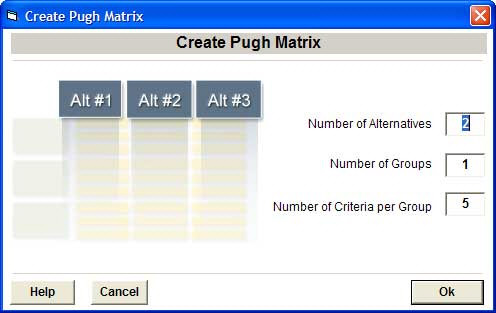
Number of Alternatives: Enter the number of alternative concepts (columns) that will be included in the new Pugh matrix. For example, if you enter 3, the Pugh will be setup with a baseline column and three alternative columns. The number of alternatives must be greater than 1.
-
Number of Groups: Requirements are grouped in logical sections. Enter the number of sections for the new Pugh Matrix. The number of groups must be greater than 1.
-
Number of Criteria per Group: Enter the number of decision criteria per group. The number of decision criteria must be greater than 1.