Home / Monte Carlo / Model Building / Modify Design
Modify Design
From Excel click...
QXL Monte Carlo Tab > Create / Modify Design Sheet > Modify Design Sheet
The Modify Design functionality allows you to change models that were created using the legacy Create Design Sheet mode. Free form models need not use this feature.
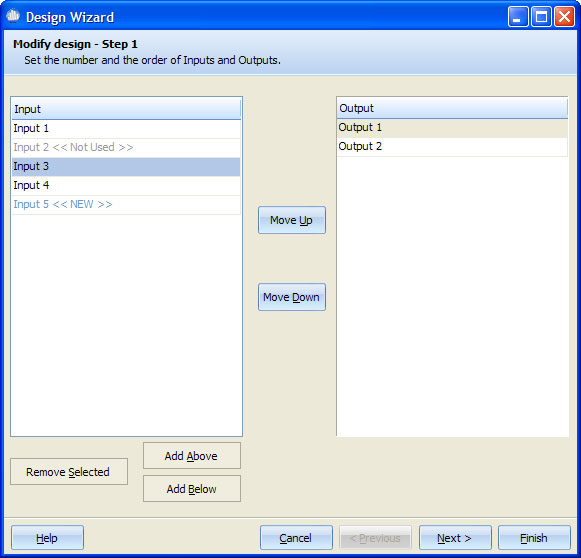
Inputs and outputs can be added, removed, and rearranged for an existing IPO sheet. There are two lists, one for inputs and the other one for outputs. Select an input or output or group of inputs or outputs (by holding the CTRL key and clicking), to perform the following actions:
-
Remove Selected: removes selected input(s) or output(s).
-
Add Above: adds new input or output above current selection. New items will have suffix ' << New >>'.
-
Add Below: adds new input or output below current selection. New items will have suffix ' << New >>'.
-
Move Up: Moves selected input(s) or output(s) one place up.
-
Move Down: Moves selected input(s) or output(s) one place down.
Inputs that are not used in any output formula have the suffix "Not Used".
Clicking 'Next >' will bring up a new window to set up input and output parameters.